
How To Simplify Design For Smart Users
Today, simplicity is the best, nobody likes to interact with complicated design which will confuse them and consume their time since they will need more time to study it. Many…
From our archive. Written in 2016; some details may have moved on.
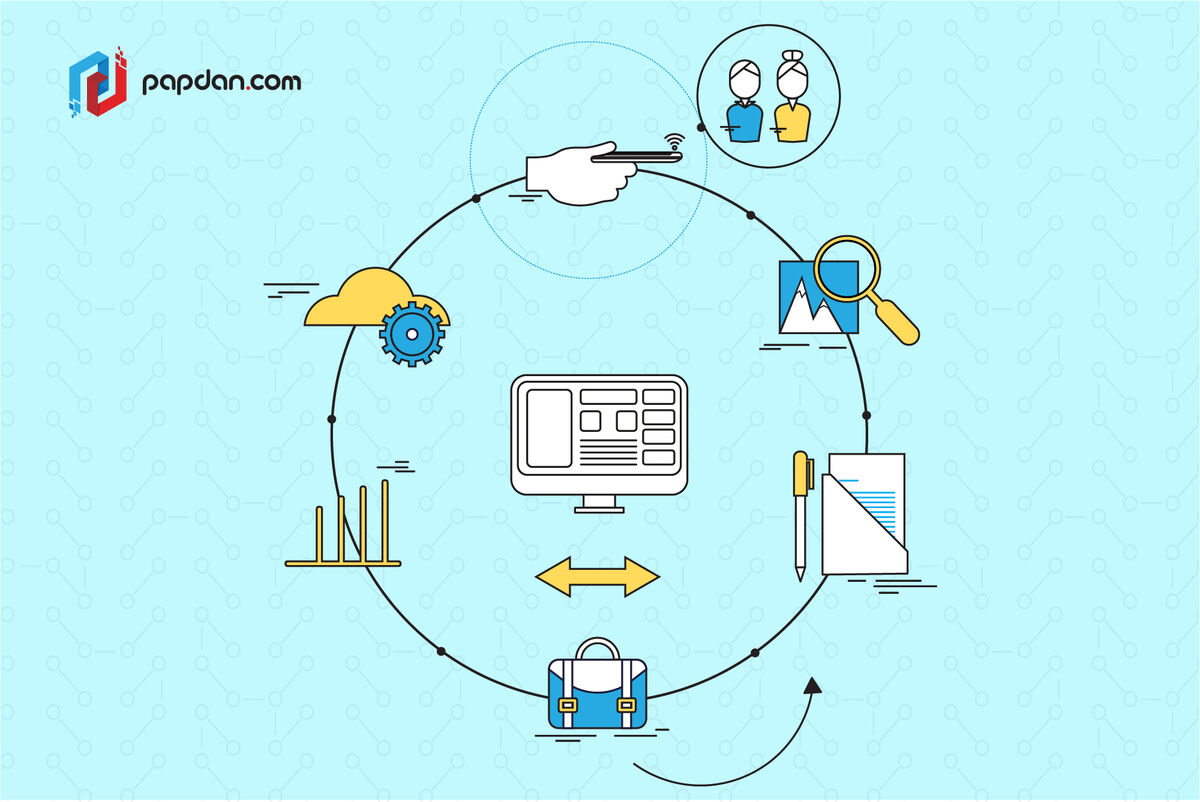
Today, simplicity is the best, nobody likes to interact with complicated design which will confuse them and consume their time since they will need more time to study it. Many designers have acknowledged the idea to create a simpler yet beautiful web design, however, not many of them truly understand about how to create a right simplicity, since it is not just about being simple but your design should also be smart. This is where the challenge begins. Read on the article below to deepen your knowledge about the right simplicity.
Simplicity is Different from Stupidity
The simple way in describing web design simplicity is that it is like ordering menu in a restaurant, where the waiter will begins with the simplest one, a drink, then start asking whether you want any appertizer before going through with the meal. The idea of this metaphor is that you only offer the audience what they need at that time. Offering too many elements and options to your audience all at once will certainly make them overload and scrambling for the back button.
However, bear in mind that create a simple design doesn’t mean that you underestimate your audience as stupid, like laying out every possible choice in small amounts, and explaining every element. The right understanding about simplicity is that you assume that the audience can draw on approriate contextual cues, and so gives the audience choices without explaining them. In fact, let the audience draws their own conclusions makes them feel stupid, and no one likes to be that way.
Hierarchy of Importance
Figure out what your target audience thinks most important will help you determine which things are most important and which are the least will help you focus on the most important elements. This has been summarized in the Pareto Principle, which states that 20% of any system drives 80% of the results. Due to its simplicity, it has been applied to numerous situations, and while the exact ratio may differ, the general trend seems to hold. So, deeply observe on what it talks about, how it makes decisions, what it likes and dislikes, and what it ignores is important. In fact, when it comes to simplicity, what doesn’t say is more important than what it does say.
In the end, knowing the decision making process will help you decide the best layout for your website.
Visual Elements
“Flat” or “almost flat” web design can be used as one of the ways to make your website’s visual appearance looks simple. In fact, if you do it right, it can immensely simplify a website’s visual design while “almost flat” design is a good compromise between realism and the iconic flat design. Enough visual cues to achieve depth and texture are retained, while less important features are eliminated.
Pay as much attention to the gaps on your webpage as the spaces with content. Subtle gradations of color can serve as dividers, without needing to put in the visual equivalent of a full break. Using these gradations also serves to break up what could otherwise be a monotonous space.
More articles
Neural Habitats: Designing Websites That Evolve With Each Visitor
The Web Is About to Get Wild In 2025, static websites feel like museum pieces. Even “personalized” pages — swapping banners or changing a hero image — are beginning to…
Read article →
The UX Jungle: How Digital Ecosystems Compete (and Cooperate) Like Wildlife
The internet is a vast and thriving jungle. Every website, app, and platform is like a living organism, constantly competing for attention, resources, and survival—yet also forming surprising partnerships. Understanding…
Read article →
Building a Better Learning Experience: Why E-Learning Needs UX Thinking
In the world of online education, content is king — but without smart UX (User Experience) design, even the best content gets lost. Whether you’re training employees, educating customers, or…
Read article →