
2020 CSS Techniques You Should Master During Quarantine
Web designers always excited to explore and try new CSS techniques and push the limits of what CSS can do. Well written CSS codes are able to control almost any…
From our archive. Written in 2020; some details may have moved on.
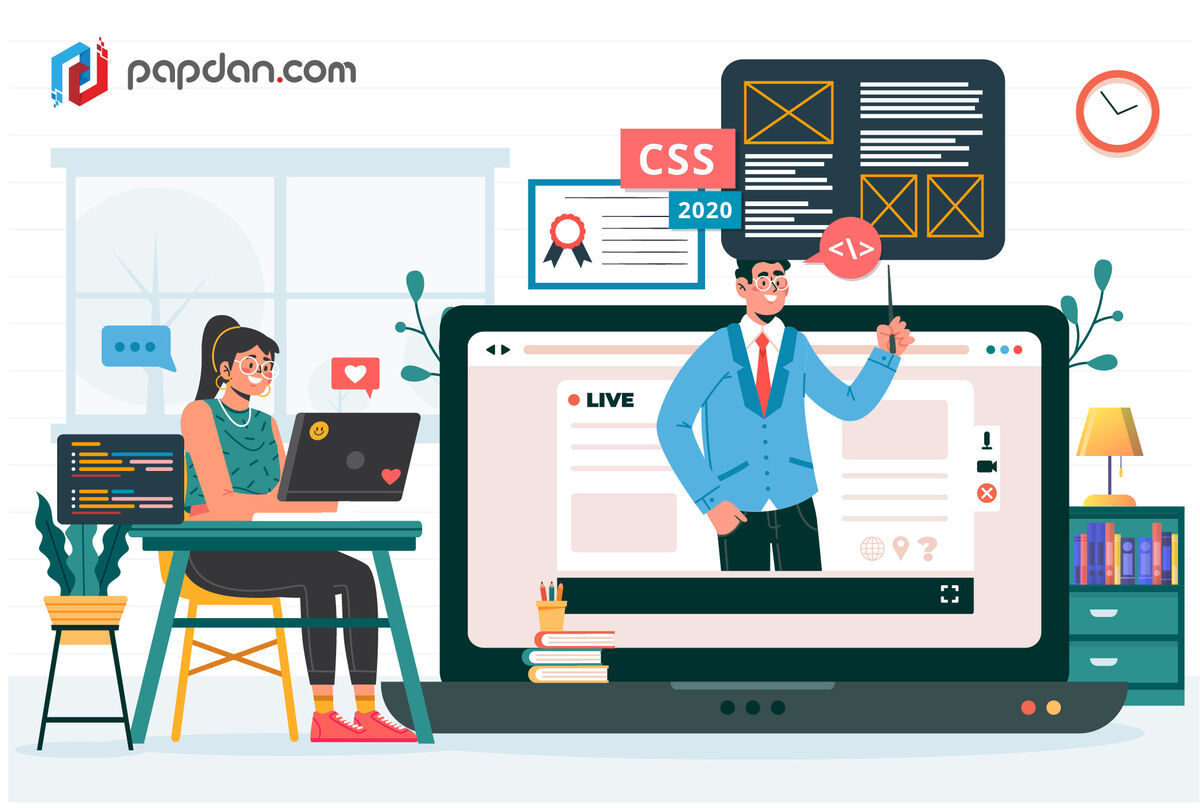
Web designers always excited to explore and try new CSS techniques and push the limits of what CSS can do. Well written CSS codes are able to control almost any aspect of a design, and contribute to better overall user experiences.
But what design approach are trending? What should you learn next? We have a few things in mind for the latest developments for you to learn while working from home during quarantine. Dive in and try out some of these tips and techniques our Melbourne web designers have curated to give your next project fresh and exciting edge.
Use Variable Fonts
Variable fonts are one of the features that recently added. It’s a single file that includes every version of a font that a user will need to view your design. There isn’t a huge list of variable fonts to work with at the moment but the number is growing. To implement these fonts, you must select supporting font and browser.
Make CSS Grids Responsive
As a designer, we want everything in our design to be responsive including grids. The good news is that there are various methods to create a flexible grid on CSS that always renders the way you want, regardless of device size. The main advantage of using CSS grid is its flexibility. It works with columns of equal or unequal sizes and You can use varying breakpoints, heights (below) and item placements.
Implement Scroll Snapping
There are occasions where you wish You could control the scroll and You want users to see a certain part of the design all at once. Well, You can do it with Scroll Snap. CSS Scroll Snap is a feature that allows web developers to create well-controlled scroll experiences by declaring scroll snapping positions. Paginated articles and image carousels are two commonly used examples of this. Simply put, this means you can control scroll points – both vertically and horizontally (mostly just a desktop pattern) – so that users see exactly what you want.
Create Text Animations
CSS influences the way users read and engage with text elements from hover changes to words floating in or scrolling through the page. What once was only a static display, now become dynamic. And for websites which do not have much artistic elements, animations are quite popular choice to engage with users.
We hope these ideas provide just enough inspiration to help you get started. Good luck!
More articles

Neural Habitats: Designing Websites That Evolve With Each Visitor
The Web Is About to Get Wild In 2025, static websites feel like museum pieces. Even “personalized” pages — swapping banners or changing a hero image — are beginning to…
Read article →
Choosing a CRM for a manufacturing business: what actually matters
Manufacturing sales is long-cycle and relationship-heavy. Most CRMs are built for neither. Here is what to look for, what to ignore, and how to tell the difference before you sign up.
Read article →
Digital Fireflies: How Micro-Animations Spark Engagement in a Crowded Online Jungle
In the endless scroll of the internet, attention is fleeting. A tap, a swipe, and your carefully crafted message disappears into the digital undergrowth. Yet, just like fireflies glowing in…
Read article →